
 Business Plans
Are you a traveller wondering: What is a SIM card and what is it used for? It contains your mobile subscription and your identity on a network, and is the small chip inside your phone. In layman’s terms, it’s what enables your phone to call, text and access mobile data. In this article, we’ll explain what it is used for, what is stored on a SIM card, and even cover types of SIM cards and SIM card sizes for travellers. We’ll also compare physical SIMs and eSIMs, and explain how dual SIM phones work.
What Are SIM Cards Explained
A SIM card is a small, removable smart chip (Subscriber Identity Module) that you slot into your mobile phone. It securely stores your subscriber identity, including your phone number, so mobile networks know who you are. Think of it as your phone’s ID badge on the network; without it, your device can’t connect to calls or data. These cards come in different forms (from old credit-card size to today’s nano SIM card), but all do the same job: link your device to your mobile carrier
What Are the Uses of a SIM Card?
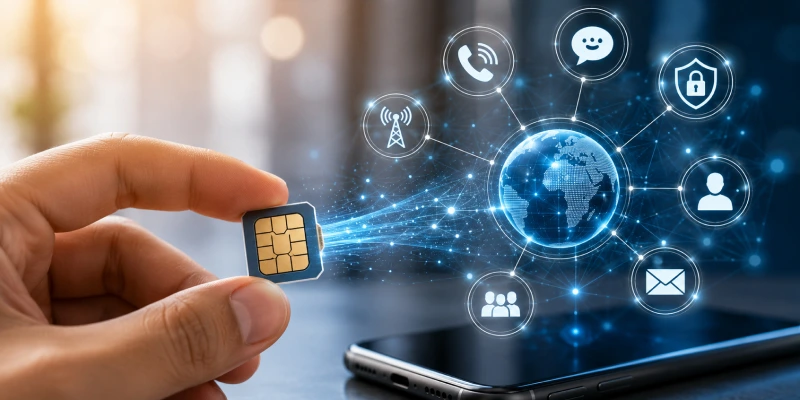
There are multiple uses of a SIM card that you cannot avoid in today’s digital world:
- Network Access: It holds your SIM information so you can make calls, send SMS, and use mobile data.
- Phone Number: Your mobile number is tied to the SIM. Swap it into another phone, and the number comes with it.
- Contacts & Messages: A few contacts or messages are temporarily saved on the SIM to facilitate device migration.
- Security: The SIM holds copies of the authentication keys. It takes you, and proves that you’re a real subscriber.
What Does a SIM Card Contain?
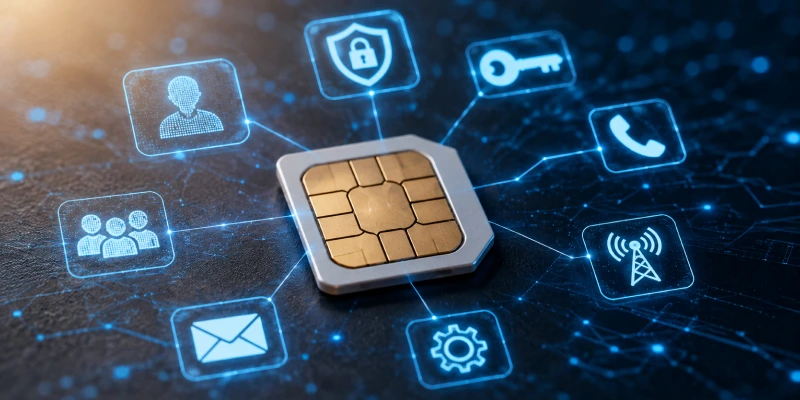
Now that you know what a SIM card is, it is also important to assess what information it contains, which is important to you:
- Subscriber ID (IMSI): The number is known to the network you are connecting to.
- ICCID: The integrated circuit card ID, a one-of-a-kind arrangement number that is imprinted in your SIM.
- Phone Number (MSISDN): The phone number tied to your SIM.
- Network Credentials: These are the encryption keys and authentication credentials used by the network to authenticate you.
- PIN/PUK Codes: To lock/unlock your SIM using a PIN Lock and PUK Unlock Code.
- Data Saved: Certain contacts or messages can be stored in a SIM in feature or basic phones.
- Carrier Info: Little bits of configuration, like the service centre number and APN (for internet access) settings.
What Are the Different Types and Sizes of SIM Cards?
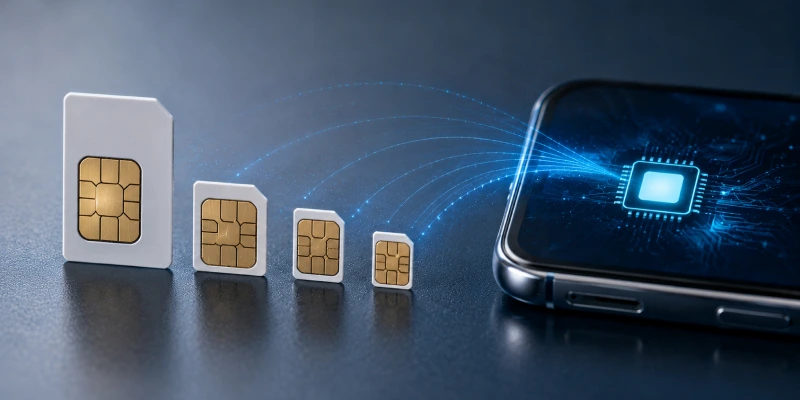
There are different SIM card types and sizes, with multiple features that you should know:
- Standard SIM card: The original larger size SIM (credit card sized). Rare in phones now, but still used in some legacy devices.
- Mini SIM: Also called the 2FF SIM, smaller than the standard. Popular in phones of the late 90s and 2000s.
- Micro SIM card: Smaller than mini, introduced about 2003. A lot of early 2010s smartphones used this.
- Nano SIM card: The smallest physical SIM (since ~2012). Nearly all modern phones, including iPhones, use a nano SIM card.
- Embedded SIM (eSIM): It’s not a physical card; it is built into the device. Data profiles are downloaded electronically.
Dual SIM: How It Works
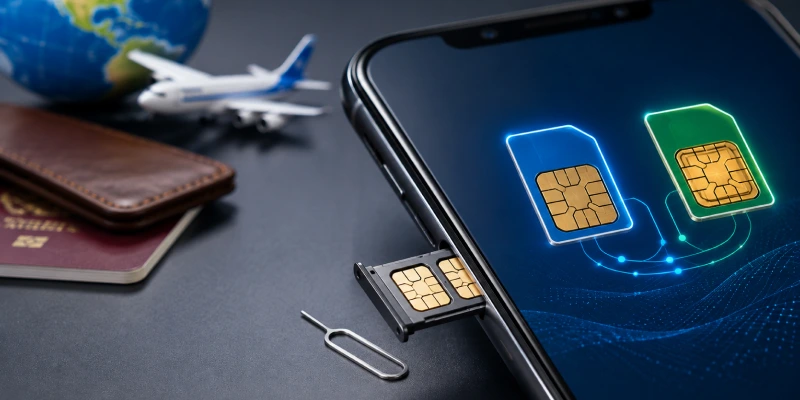
Dual SIM phones allow you to use two mobile numbers at the same time. Usually, this means one physical SIM card and one eSIM (or two physical SIMs in some devices). Phones generally manage this seamlessly: you label each line (e.g. “Personal” vs “Work”) and choose which to use for calls or data. If you’re roaming on one line, calls to the other can still come through (or go to voicemail) depending on your settings. Most phones use “dual standby” (only one line active at a time), while newer models may offer dual active support (true independent lines).
This setup is incredibly handy for travellers. You can keep your home SIM active for calls and receive texts while using a local carrier for data, all on the same device. Just remember, your phone needs to be unlocked (SIM-free) to accept multiple carriers.
Who Needs a Dual SIM Phone?
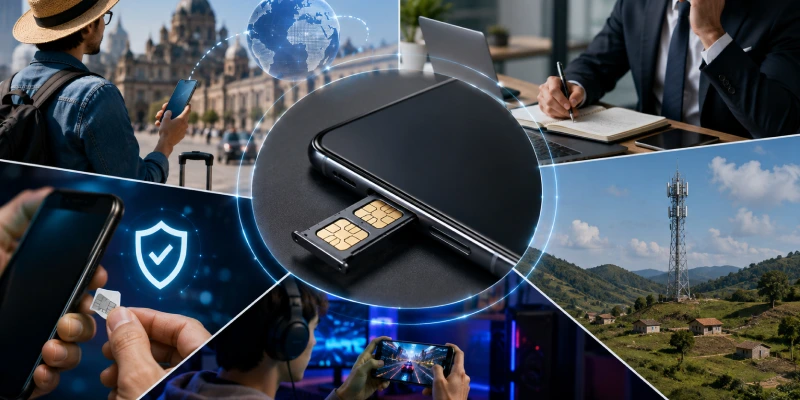
If you are confused about whether you need a dual SIM phone or not, here is how you can make a decision:
- Travel enthusiasts who want to use a dual SIM phone with a local data plan on the go abroad, but remain reachable on the home number.
- Professionals who need business and personal lines on one handset.
- Residents of rural areas with poor coverage who use two networks to ensure they have cell service.
- Anyone who wants one SIM as a backup (or one for calls and another for data).
- Gamers or tech users who add a data-only SIM for extra bandwidth.
How is iPhone Dual SIM Support?
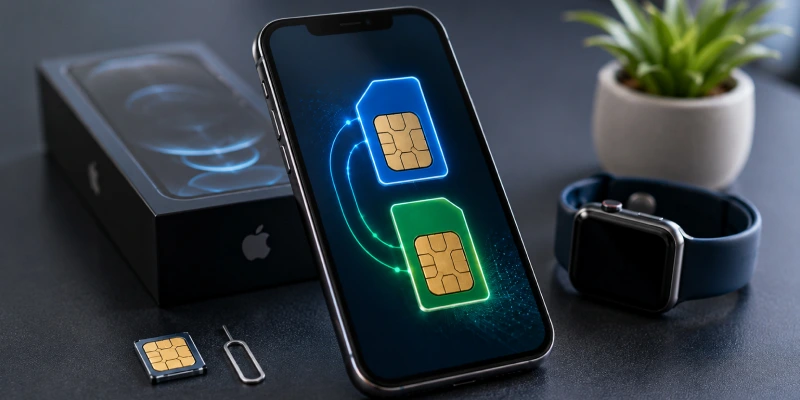
Many recent iPhones support dual SIM. For example, dual SIM iPhone models (iPhone XR and later) can use one physical nano SIM and one eSIM at the same time. The latest iPhones even allow two eSIMs or two physical SIMs (in regions that support it). To set this up, go to Settings > Cellular on your iPhone and add each line. Remember, to use different carriers on each line, your iPhone must be unlocked by the original network provider.
How to Troubleshoot SIM Issues?
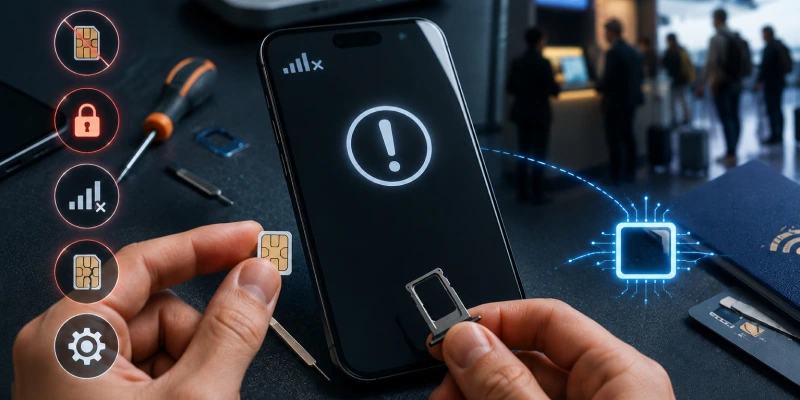
There are many issues that come up with a SIM card; here is how you can troubleshoot a few:
- No SIM or Not Detected: Reboot your phone. Take out the SIM and insert it again to make sure it is really in there. If it does not, test it in another phone to identify if it is the slot or the SIM.
- SIM card too big: Make sure that you’re using the right SIM card size for your phone. A badly cut phone SIM card may be incompatible.
- SIM Locked (PUK Required): After several incorrect PIN entries, the SIM becomes locked. Enter the PUK code from your carrier to unlock it.
- General Network Error: Confirm your phone is unlocked for international use. Tap Aeroplane mode on/off or select a network manually if roaming.
- Broken SIM: If the card is broken or the scratches are very deep and sealed, it must be replaced. Get a new SIM from your carrier.
- VoLTE/Data Issues: Confirm your APN and network settings are correct for the carrier. Update your phone software; you know, they bring fixes.
A bonus tip for you is to avoid buying a SIM card in an airport. If you are a traveller, a SIM card can be a great hassle. For every country, you have to search for airport kiosks and buy a new SIM card; however, the deals are not always very beneficial, along with the hefty roaming charges. In such cases, eSIM is a big savings.
Physical SIM Card vs eSIM: What is Better?
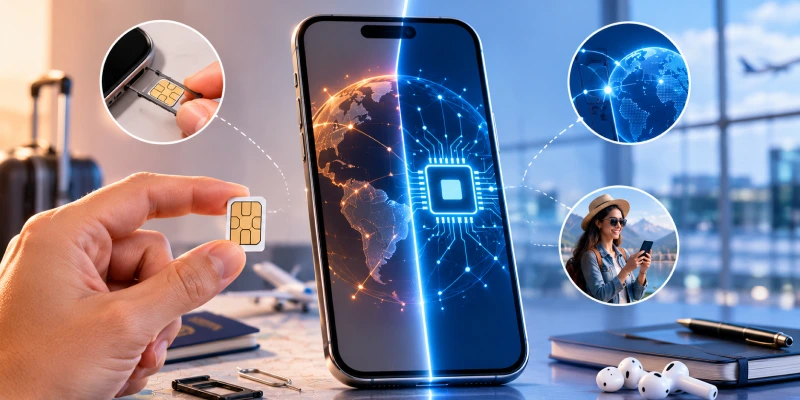
If you are fed up with the issues that come up with using a SIM card, you need to know about eSIM. In this eSIM vs physical SIM comparison, we will tell you how a small switch can make a lot of difference:
| Feature | Physical SIM Card | eSIM (Embedded SIM) |
| What It Is | A removable SIM card that you purchase from a mobile carrier and insert into your phone's SIM tray. You can move it between devices by physically swapping the card. | A built-in digital SIM embedded inside your device. It can be activated by scanning a QR code or through a carrier's app without inserting a physical card. |
| Activation | Requires manual insertion into the phone before activation. | Activated electronically through your phone's settings, making the setup process faster and more convenient. |
| Compatibility | Works with virtually all mobile phones that have a SIM card slot. | Supported by most modern smartphones, although some older devices do not offer eSIM compatibility. Many newer phones support both a physical SIM and an eSIM simultaneously. |
| Convenience | Requires purchasing, carrying, and replacing a physical SIM card when switching carriers or countries. | Allows users to store multiple carrier profiles and switch between them digitally. Ideal for travellers who want to activate local plans instantly without visiting a store or waiting for a SIM card to arrive. |
| Best For | Users who prefer traditional SIM cards or own devices without eSIM support. | Frequent travellers, remote workers, and users who want quick carrier switching and a hassle-free mobile experience. |
Choose eSIM Cards for Travel
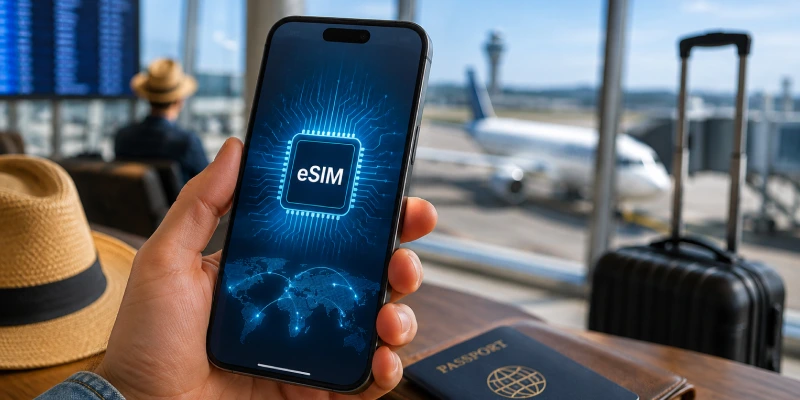
Travellers, listen up: eSIM Cards can make life a lot easier. Instead of queueing for a local SIM, you can buy eSIM data plans online before you even land. On eSIM Cards you pick a plan, receive a QR code by email, and activate your data instantly in your phone settings. No fiddling with tiny SIM trays at 30,000 feet! eSIM plans often come with generous data allowances and avoid roaming fees. Whether you’re exploring Europe, Asia, or the Americas, a prepaid eSIM gives you immediate connectivity without the hassle of finding a local SIM card.
Switch to eSIM Today!
We’ve covered what is a SIM card? and how it powers your phone’s connection to the world. It securely holds your subscription info, number, and tiny bits of data to identify you to the network. Modern travellers should also consider dual SIM phones and eSIM plans for flexibility. Whether you use a physical SIM card or an eSIM, the goal is the same: staying connected wherever you go. For easier trips, try using a local eSIM or keeping a second line active, so you enjoy reliable coverage without roaming fees.
FAQs
Q1: How do I know which SIM card size my phone needs?
Ans: Check your phone’s manual or look up the model online. Most new smartphones use a nano SIM card. If you have a larger card, you can trim it (carefully) or use an adapter for the slot.
Q2: Can I use my SIM card from home when I travel?
Ans: Yes, if your plan allows roaming. But roaming can be very expensive. Often it’s cheaper and faster to get a local SIM card or eSIM in the country you’re visiting.
Q3: Do I need to unlock my phone to use a different SIM?
Ans: If your phone is locked to a carrier, it won’t accept other carriers’ SIMs. You’ll need to ask your provider to unlock it before inserting a new SIM card.
Q4: What if my phone has both eSIM and physical SIM slots?
Ans: You can use both simultaneously on dual-SIM phones. For example, keep your home line on the physical SIM and add a travel data plan as an eSIM.
Q5: Will I lose my contacts if I switch SIM cards?
Ans: Contacts are usually saved on the phone or backed up in the cloud. If any contacts are on the SIM itself, they will stay on it. You can transfer or back them up before swapping SIMs.