 Business Plans
Iceland eSIM
Travel smart — data-only or voice, data & SMS plans below. Easy eSIM setup.
Rated 4.6/5 Excellent - Based on 10870+ Reviews
Data Only
(9)Unlimited
1 Day
Make your own day pass
£3.22

This plan is available in:

Iceland
Pass length
1
1 GB
7 Days
£2.01
0
3 GB
30 Days
£5.29
0
5 GB
30 Days
£6.93
0
10 GB
30 Days
£12.77
0
15 GB
30 Days
£16.78
0
20 GB
30 Days
£20.43
0
50 GB
30 Days
£39.50
0
100 GB
30 Days
£48.50
0
Looking for wider coverage?


Data + Calls + SMS
(4)12 GB
30 Days
£17.90

0
20 GB
30 Days
£19.99
0
50 GB
30 Days
£27.00
0
100 GB
30 Days
£54.75
0
Family Plan Savings
Add 2 plans to get 10% OFF, or 3+ plans for 15% OFF!
High-Speed Data
4G/5G networks in all covered countries
No Roaming Fees
One flat rate across all countries
Secure Connection
Encrypted connections for safe browsing
Iceland eSIM Plans
See How eSIM Cards Works
Watch our quick guides to learn how to get started, activate your eSIM, and stay connected wherever you travel.
Seamless Setup, Powerful eSIM.
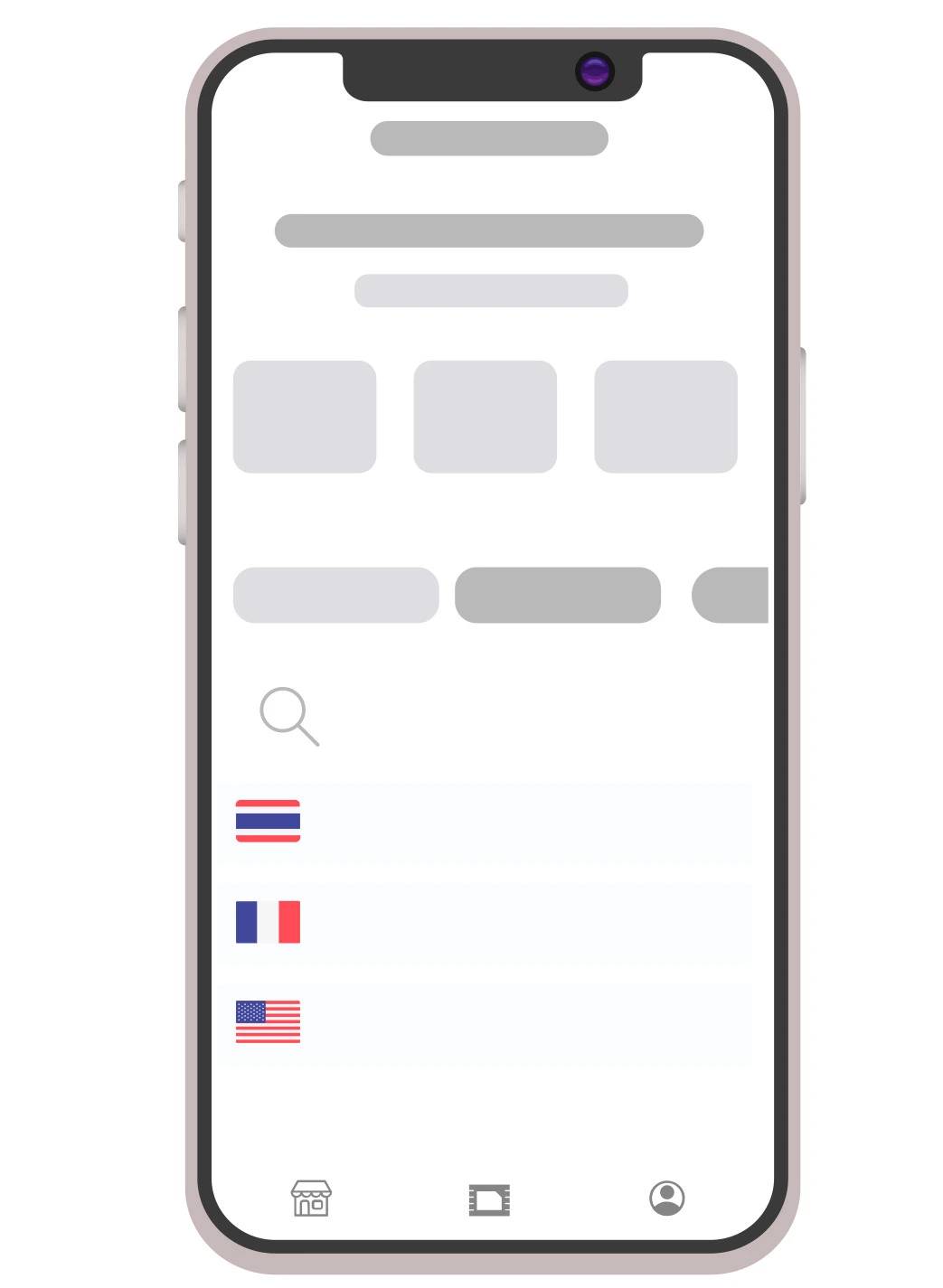
Select Country
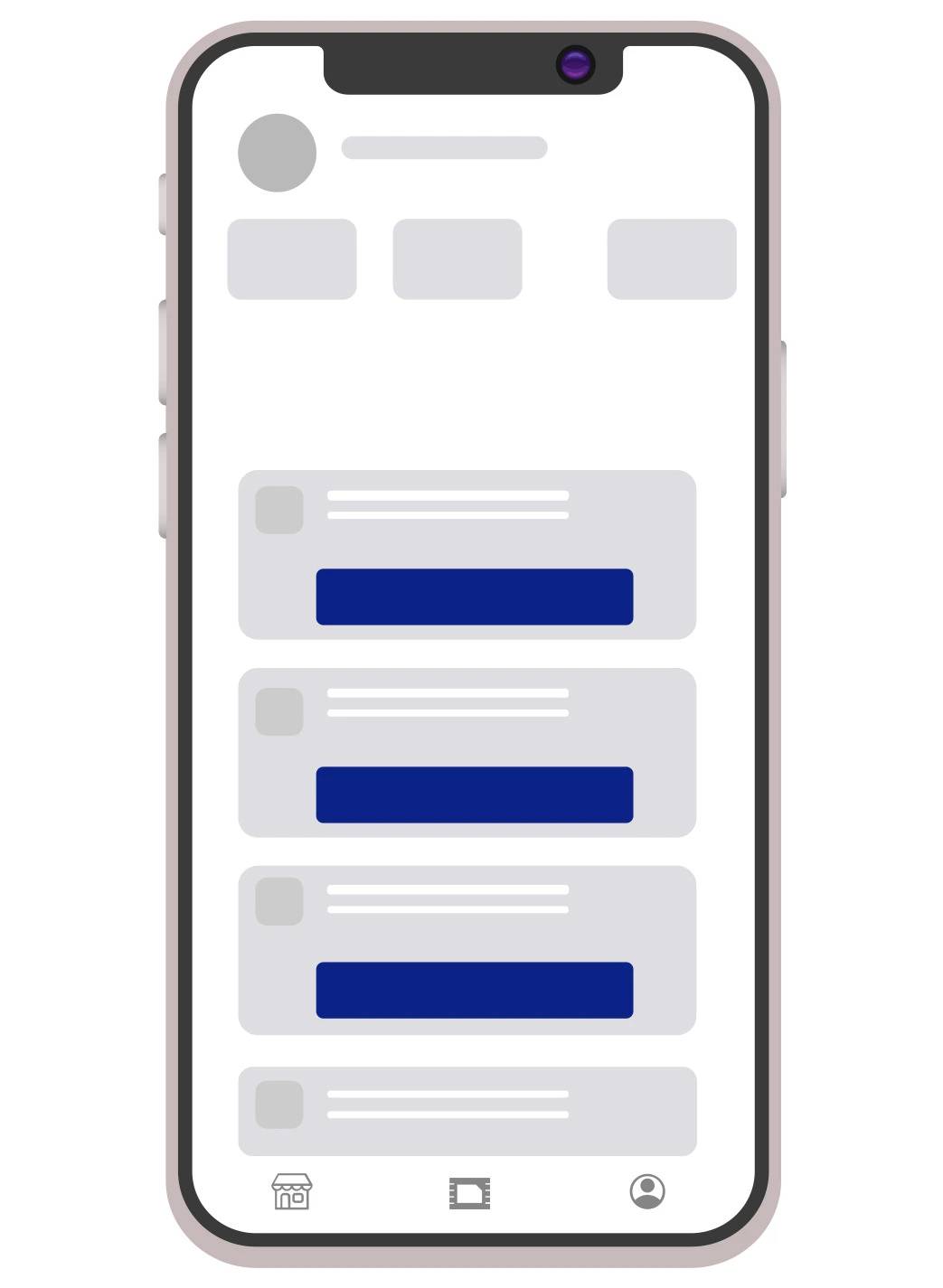
Choose Plan
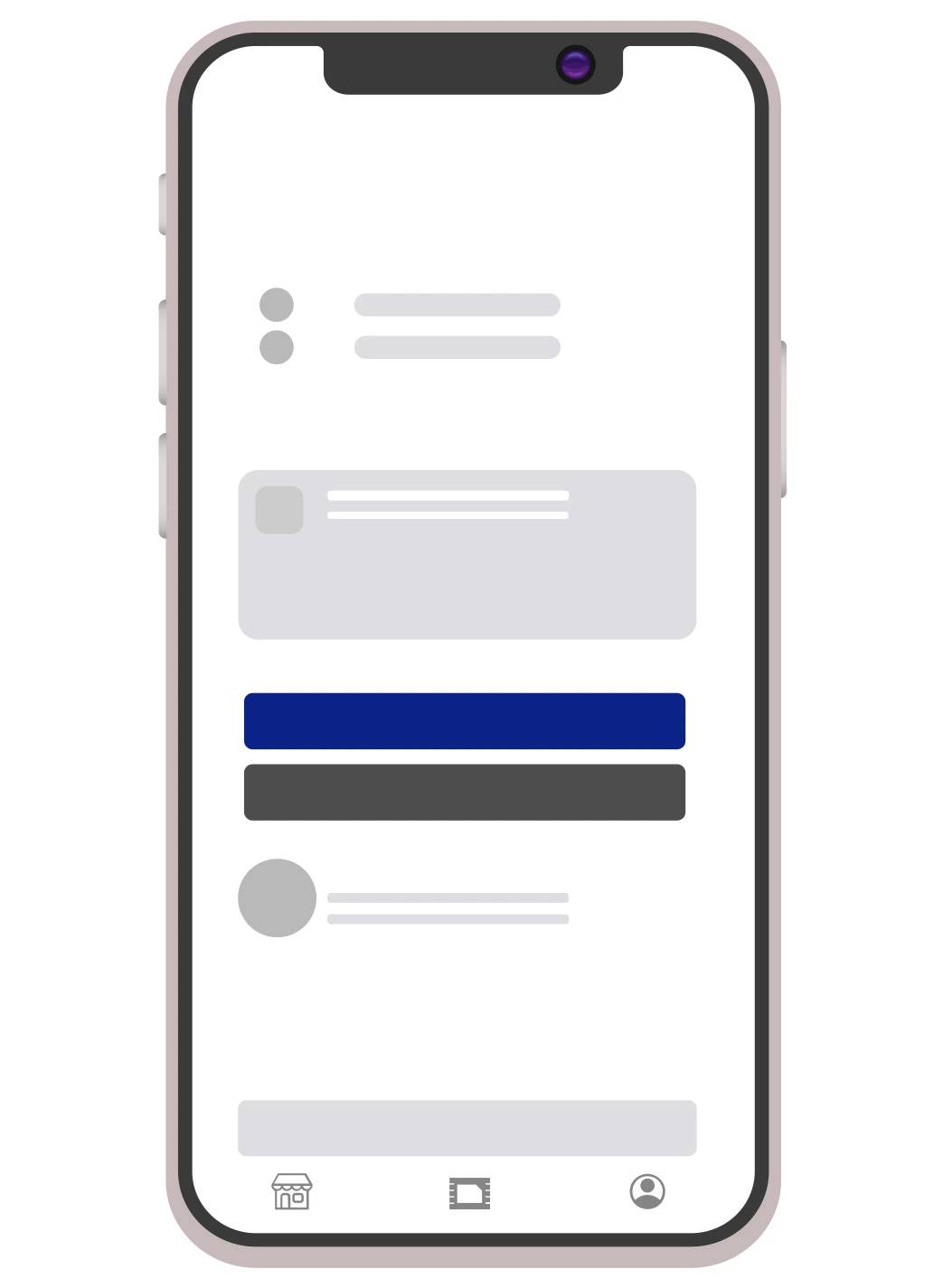
Make Payment
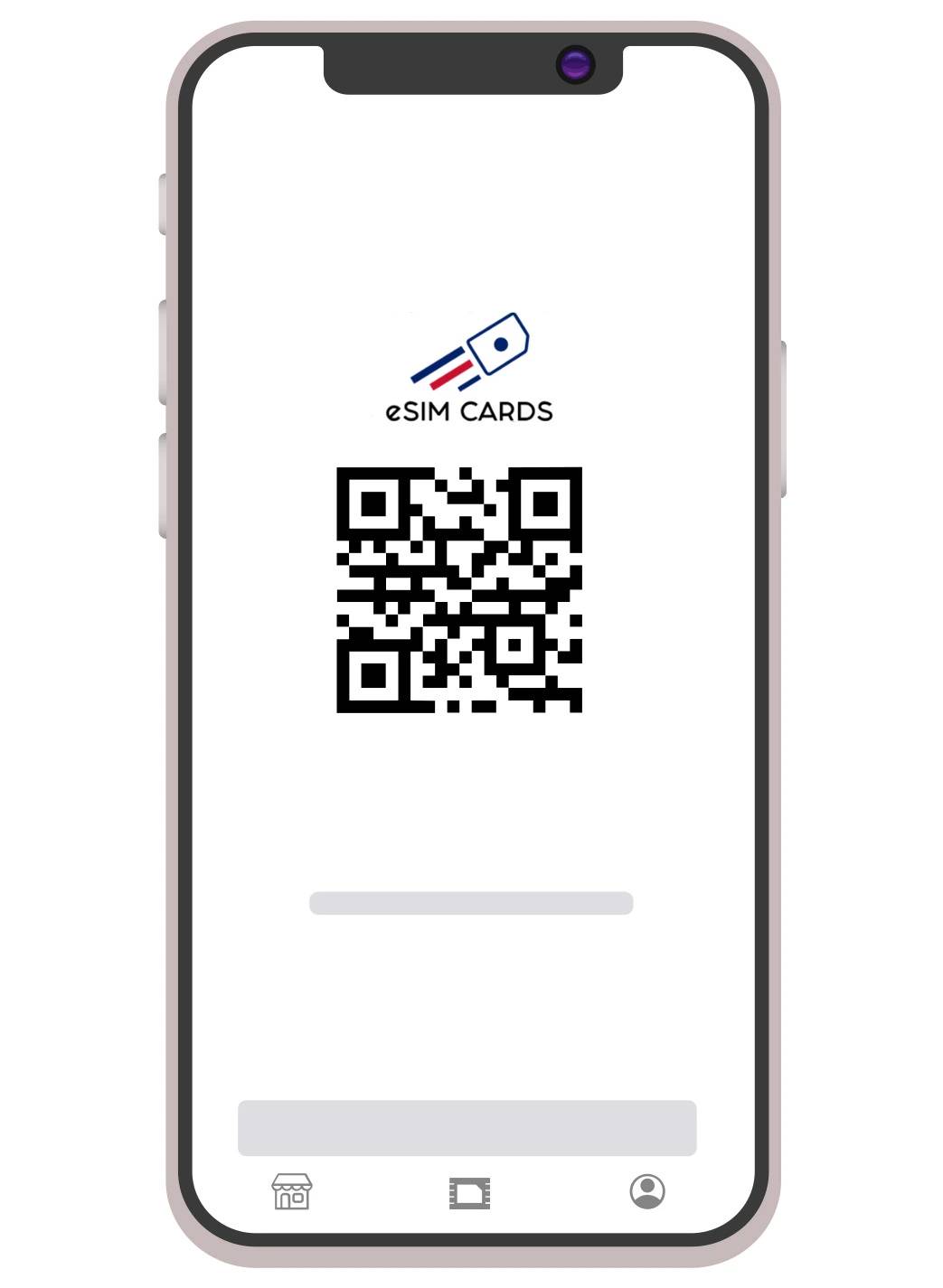
Activate your eSIM
Why Pick eSIM Cards for Your Iceland eSIM?
Connectivity should not be a hassle for you, no matter where you are and where you want to go. This is our purpose–to give you access to the local network quickly and affordably. All of our offerings help us achieve our purpose that you should know:
A Fully Digital Process
You don’t have to visit any store or wait in any queue to get your eSIM. Just a few taps online allow you to have the network of any country around the world.
24/7 Support
Iceland is a few hours ahead of many travellers’ home time zones. Our support team is available 24/7 without exception.
Excellent Network Coverage
Our Iceland eSIM connects to multiple local networks, and coverage is available in Reykjavik and along the Ring Road, the most popular route in Iceland.
Keep Your Current Number
Your regular SIM card is still in your phone and getting calls and texts. The eSIM on the Iceland SIM you purchase is a data-only SIM that can be used alongside your phone’s physical SIM.
No Extra Charges
You will be informed of the amount of data, validity and price before you purchase. You don’t have to worry about hidden charges.
More Environmentally Friendly
Buying an eSIM Iceland means one less plastic card being made and thrown away.
Benefits of an eSIM for Iceland
Wide Coverage
You can be in downtown Reykjavik, on the road in the Westfjords, or stopping by Vatnajokull glacier, and your Icelandic eSIM is working for you.
No Need for Physical SIM
Your device comes with an embedded eSIM — it’s a metallic sheet like a SIM card that you don’t need to take out, no risk of losing it, and you won’t have to buy one from an airport store.
Auto Connects Once You Land
Your Keflavik International Airport Inet sim picks up the local network when you land at Keflavik International Airport and starts working without any manual procedures.
5G Speed Where Available
Our plans utilise access to Iceland’s best and fastest available networks, so you'll have good speeds for getting directions, streaming music, and making video calls.
Hotspot Supported
Forgot to bring your laptop, or you just want to get one online at a guesthouse where the Wi-Fi is sketchy? Just as with any other mobile data plan, the hotspot feature is available.
Flexible Plan Lengths
Ideal for short breaks and extended holidays. You don’t have to stick to a one-size-fits-all length of plan duration.
Use Dual SIMs
You can use both your home number and eSIM together if you have a dual SIM device. This keeps your calls and texts coming to the home number.
Secure Checkout
Multiple methods of payment available, all through a secure checkout. You don’t have to worry about getting into a financial scam.
eSIM Cards vs Other eSIM Providers in Iceland
| Feature | Other eSIM providers | eSIM Cards |
|---|---|---|
| Buy Online Before Arrival | ⚠️ | ✅ |
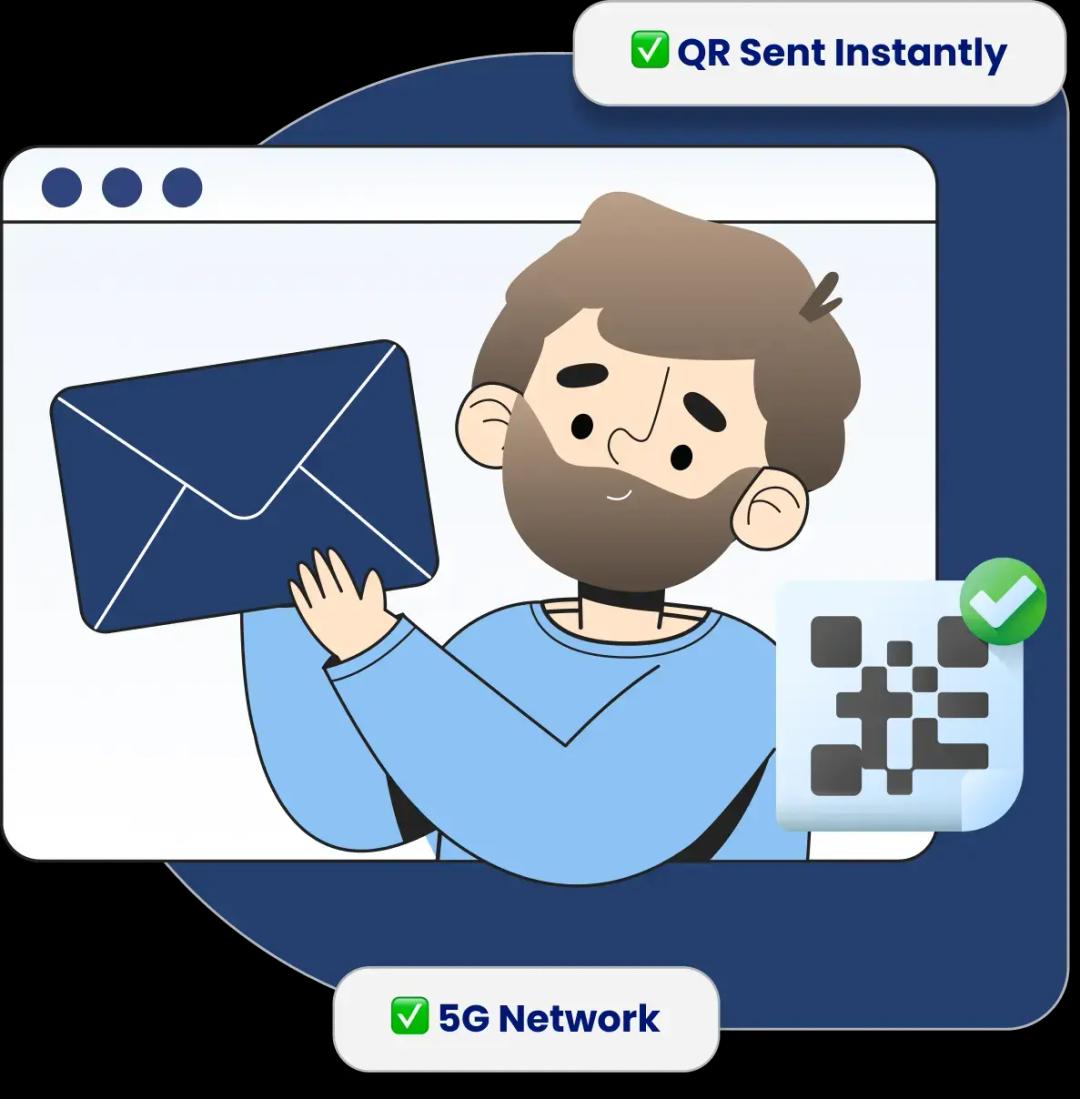
| Instant QR Code on Email | ⚠️ | ✅ |
| 5G Network Support | ❌ | ✅ |
| 30-Day Plans Available | ⚠️ | ✅ |
| Hotspot / Tethering | ⚠️ | ✅ |
| Multiple Payment Methods | ❌ | ✅ |
| Occasional Discounts | ❌ | ✅ |
| 24/7 Customer Support | ❌ | ✅ |
Customer Reviews
Share your experience or read what others say about our plans
Write a review
Share your experience with others
Travelers Also Booked eSIM for Countries who Travels Iceland







Receive Your eSIM Profile via Email or App
Once you purchase, you'll instantly receive simple instructions to install and activate your Iceland eSIM and enjoy affordable data while you travel.
What's Included:
QR Code Installation Guide
Step-by-step App Instructions
Instant Activation Support
Live Chat & Email Support
One app. Endless travel possibilities.
Discover special offers on hotels, experiences, transport, and more- globally.



Fresh from Our Blog
Check Out Our Latest Blogs
Airhub eSIM Review 2026: Plans, Pricing, Coverage & Real-World Performance
Airhub eSIM has become a significant travel eSIM provider, with the company currently stating that it has served more than 5 million customers across 190+ count

Best British Traditional Food to Try on Your UK Trip
In the United Kingdom, British cuisine is known for its versatility, uniqueness, and flavourful dishes. Much of this recognition has come from the traditional B

Why Young Travellers Should Be Aware of Methanol Poisoning?
International trips can be fun, especially when you are young and have a whole world to explore. However, there are certain risks associated with travelling abr